 EqualTune
Tune everything your PC plays.
EqualTune is a free equalizer for all the sound on your computer: music, games, calls and video. Drag the points below to see how an EQ curve reshapes the sound.
Free, no account. Windows 10 and 11, 64-bit.
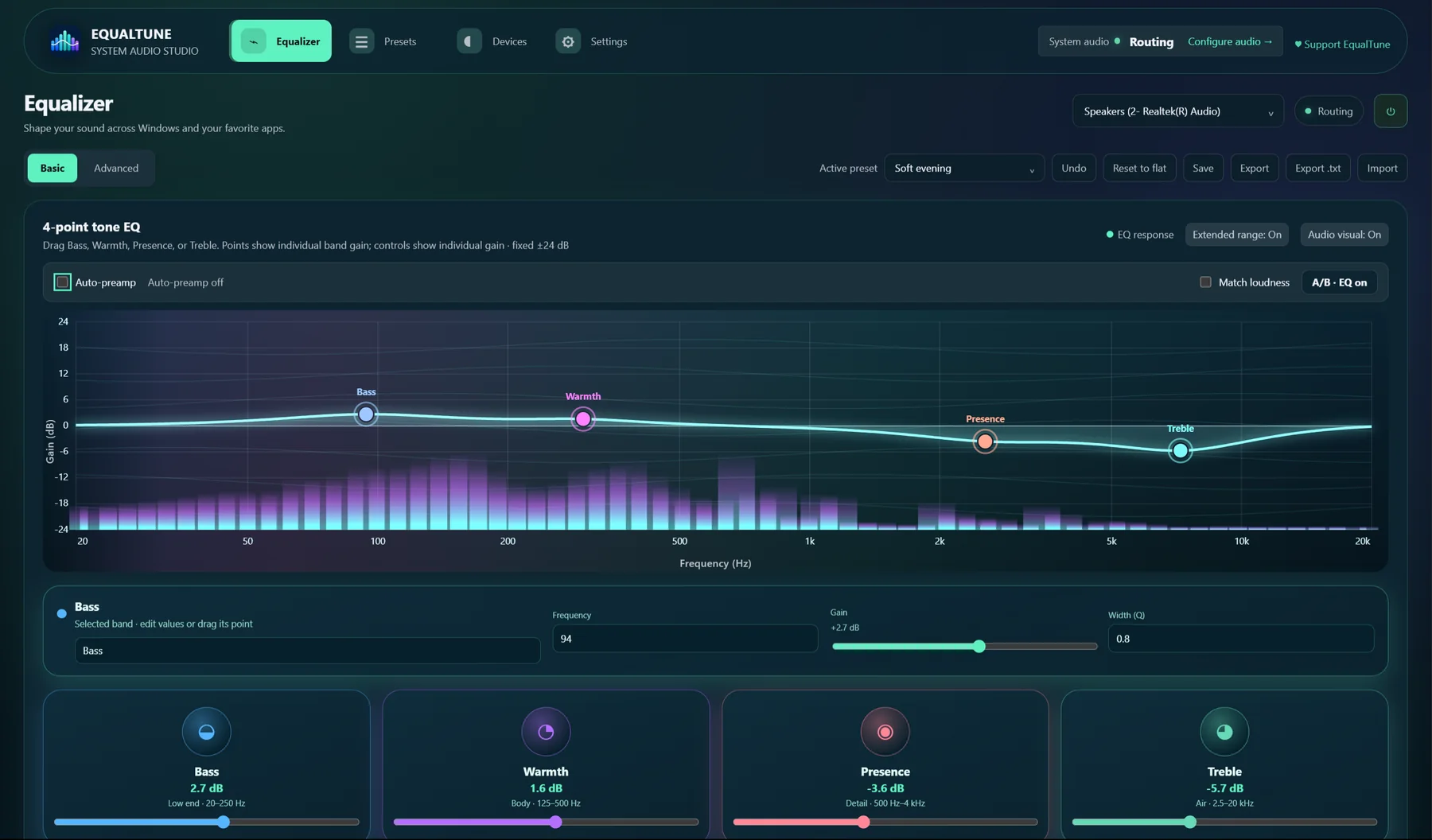
A live spectrum behind your curve.
Play something and EqualTune draws what you are hearing, so you can see where a change lands.
Everything a good equalizer should do.
-
Up to 12 live bands
Bell, shelf, high-pass, low-pass, notch and more, each with its own frequency, gain and Q. Start with four simple tone bands, then switch to Advanced when you want more.
-
Works on all your sound
Apps play into a virtual device, EqualTune applies your EQ, and the result plays on your headphones or speakers. Changing your listening device keeps the route running.
-
14 built-in presets
Save your own, rename them, and import or export them. Equalizer APO and AutoEq text files work too, so community profiles for your headphones drop right in.
-
A different EQ for each output
Every device remembers its own settings. EqualTune can also switch presets automatically for the app you are using.
-
Fair comparisons
Level-matched A/B compare, auto-preamp with a clipping warning, a limiter, channel balance and equal loudness.
-
Hotkeys that work anywhere
Ctrl Alt E turns the EQ on or off, B compares A and B, the left and right arrows change presets, and up and down change the volume.
-
Safe if something goes wrong
If EqualTune stops or crashes, Windows switches your sound back to your real output, so you are never left in silence.
-
Private by design
Your settings, presets and skins stay on your computer. EqualTune checks GitHub for new versions about once a day, and you can turn that off.
Simple to start, deep when you need it.
Basic mode
Four tone bands and one clear graph. Drag, listen, done.
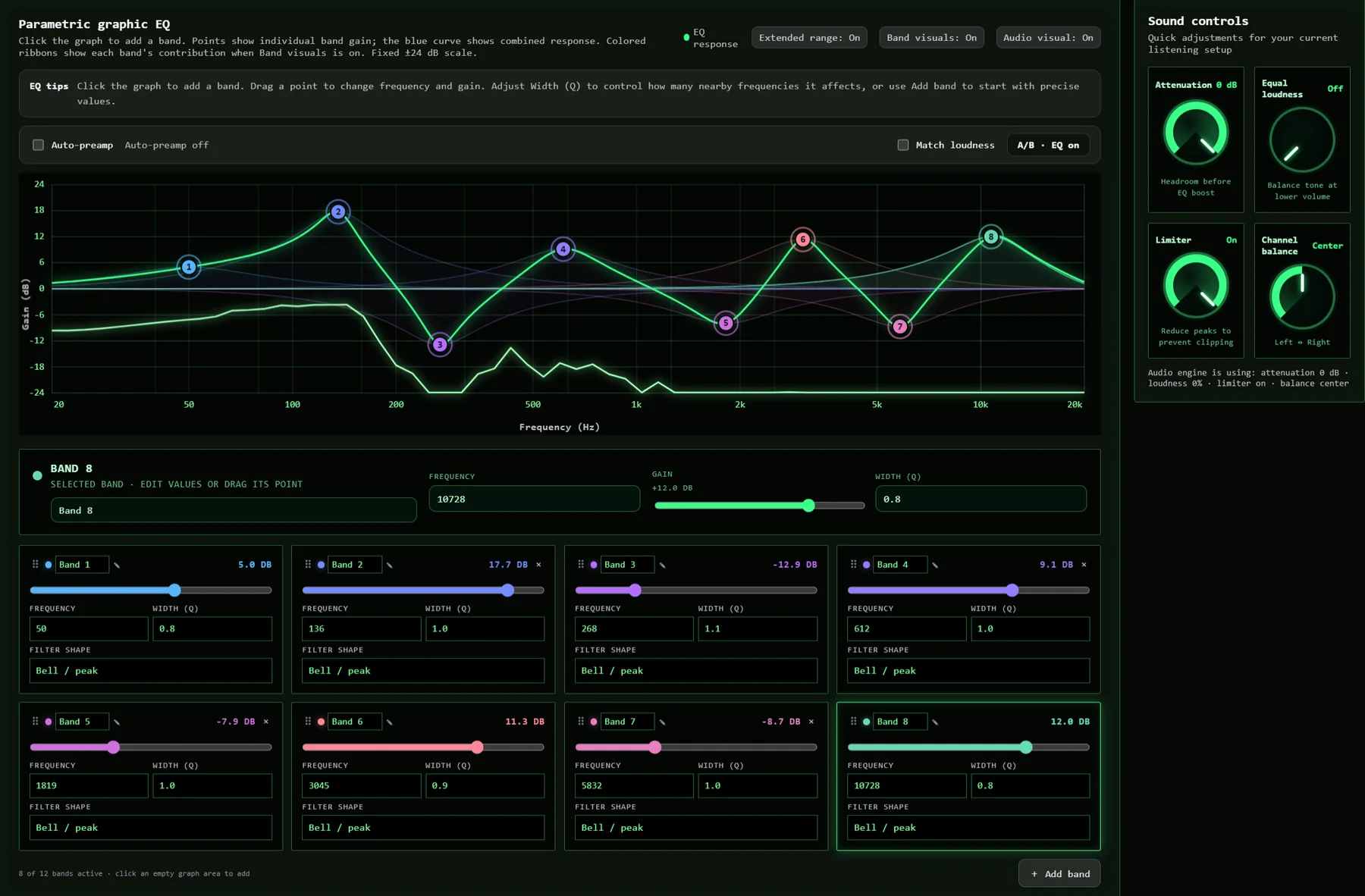
Advanced mode
Add and remove bands, up to twelve, and watch the combined curve update as you work.
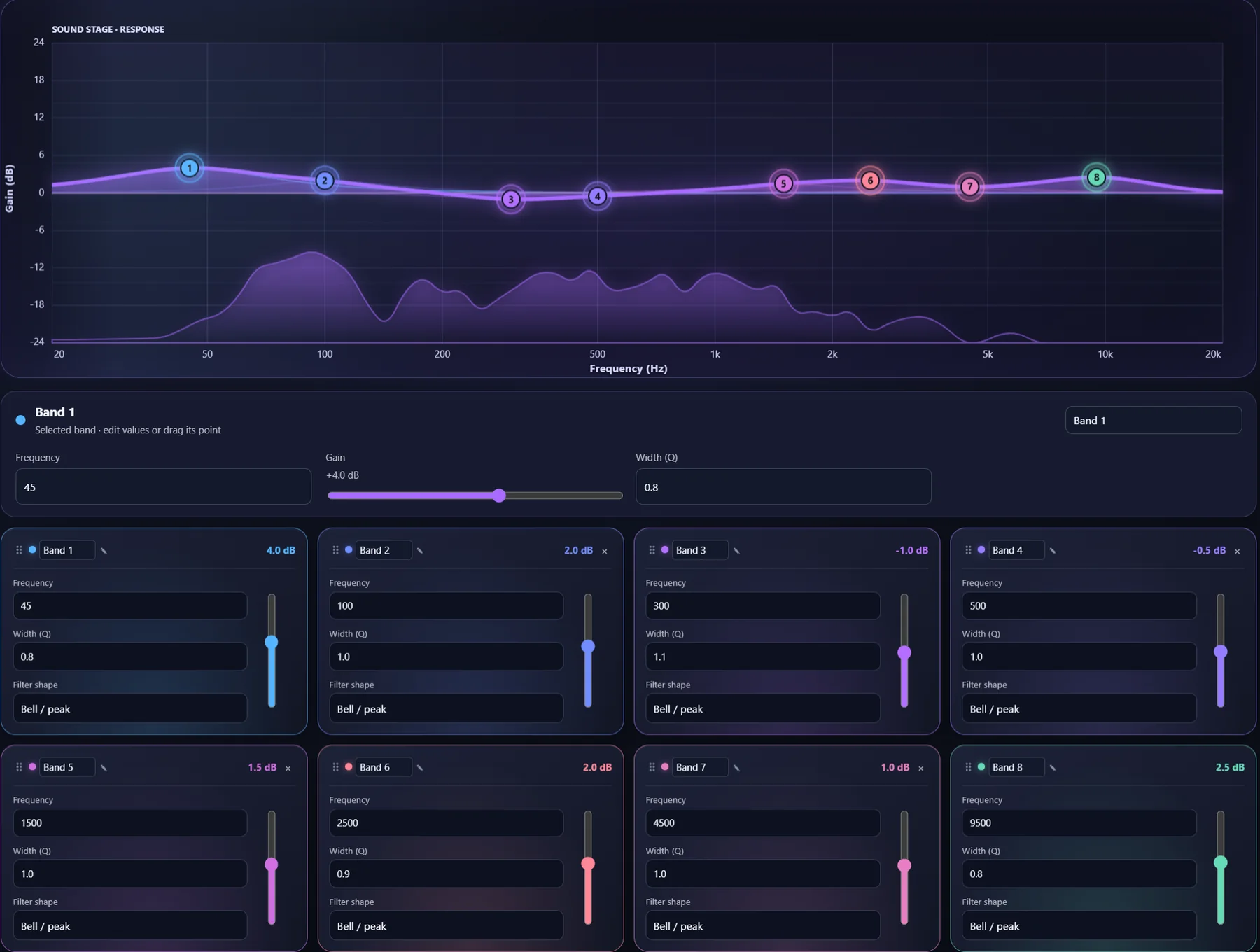
Exact controls
Type in a precise frequency, gain and Q, or choose the filter type for each band.
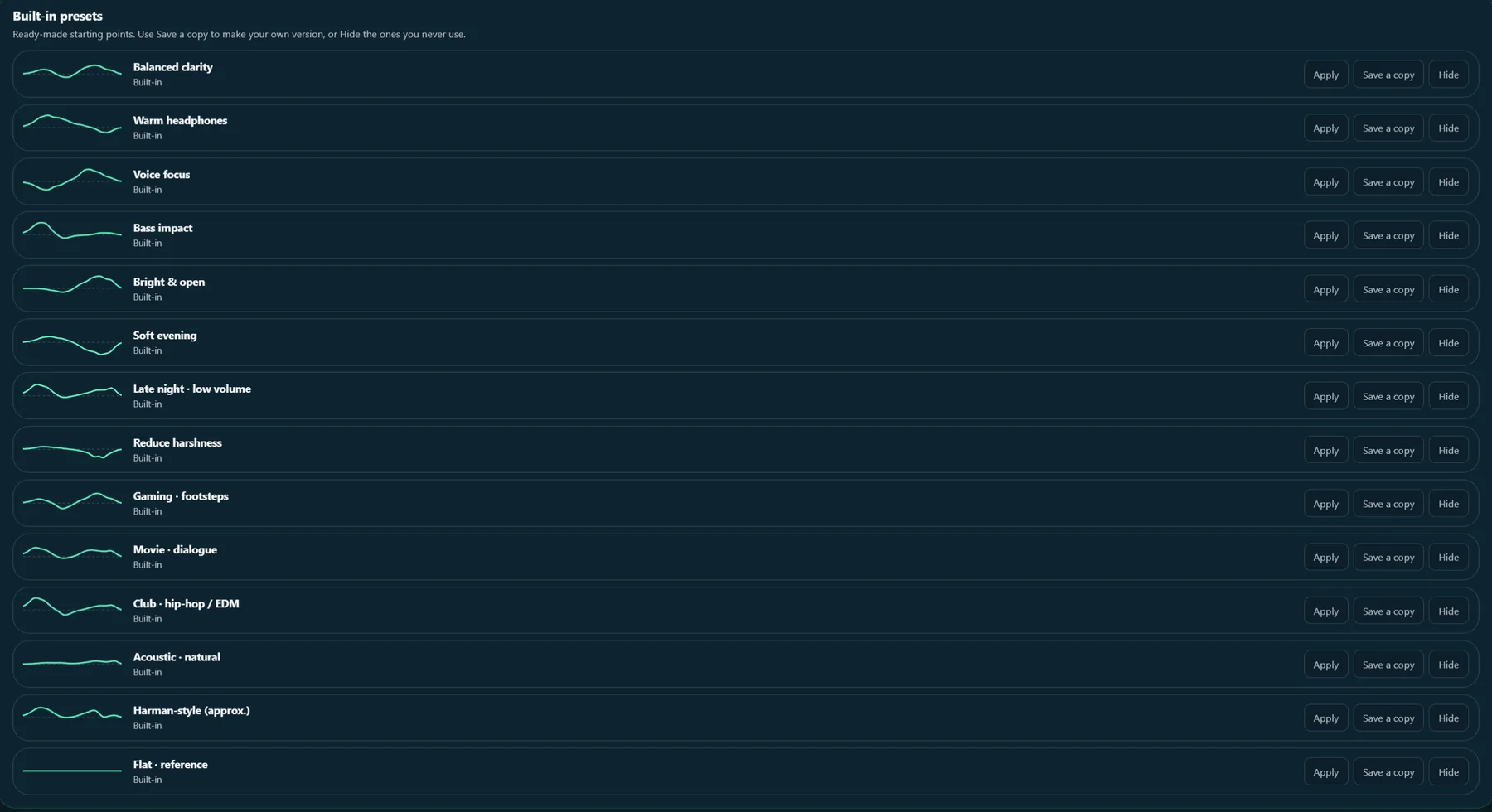
Presets you can share
Keep your favorites, send an .equaltune-eq.json file to a friend, or import an AutoEq profile.
Make it look like yours.
Pick from 16 skins, from studio and vintage analog to oscilloscope, frosted glass and game HUD. Then change the accent color, text size, curve style and corners.
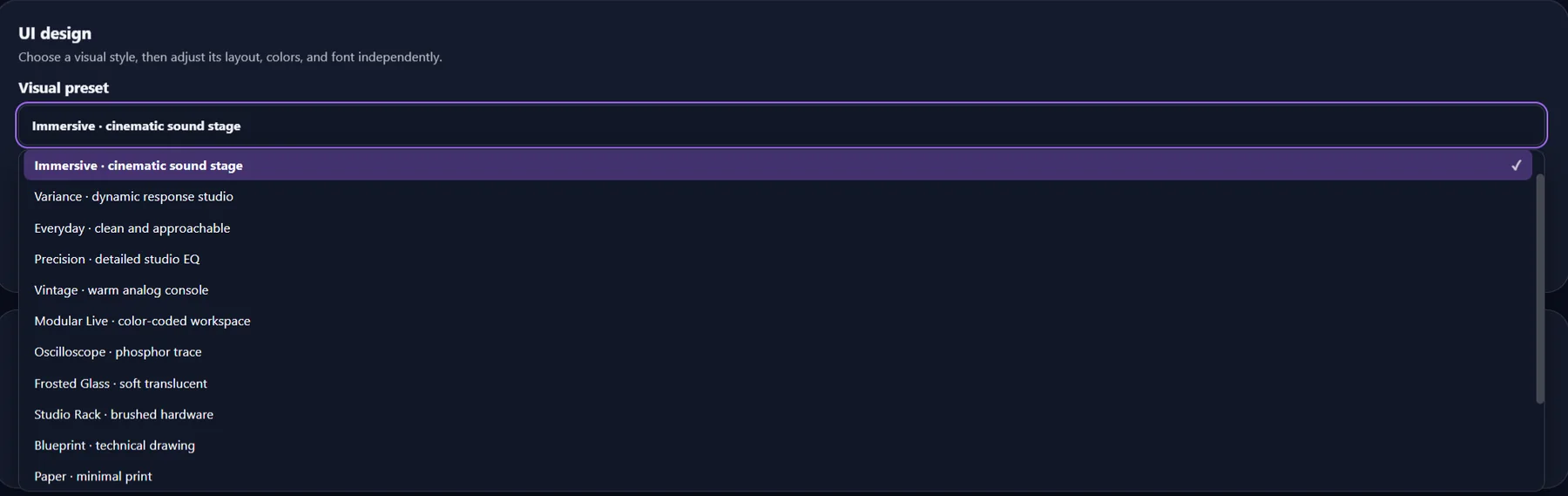
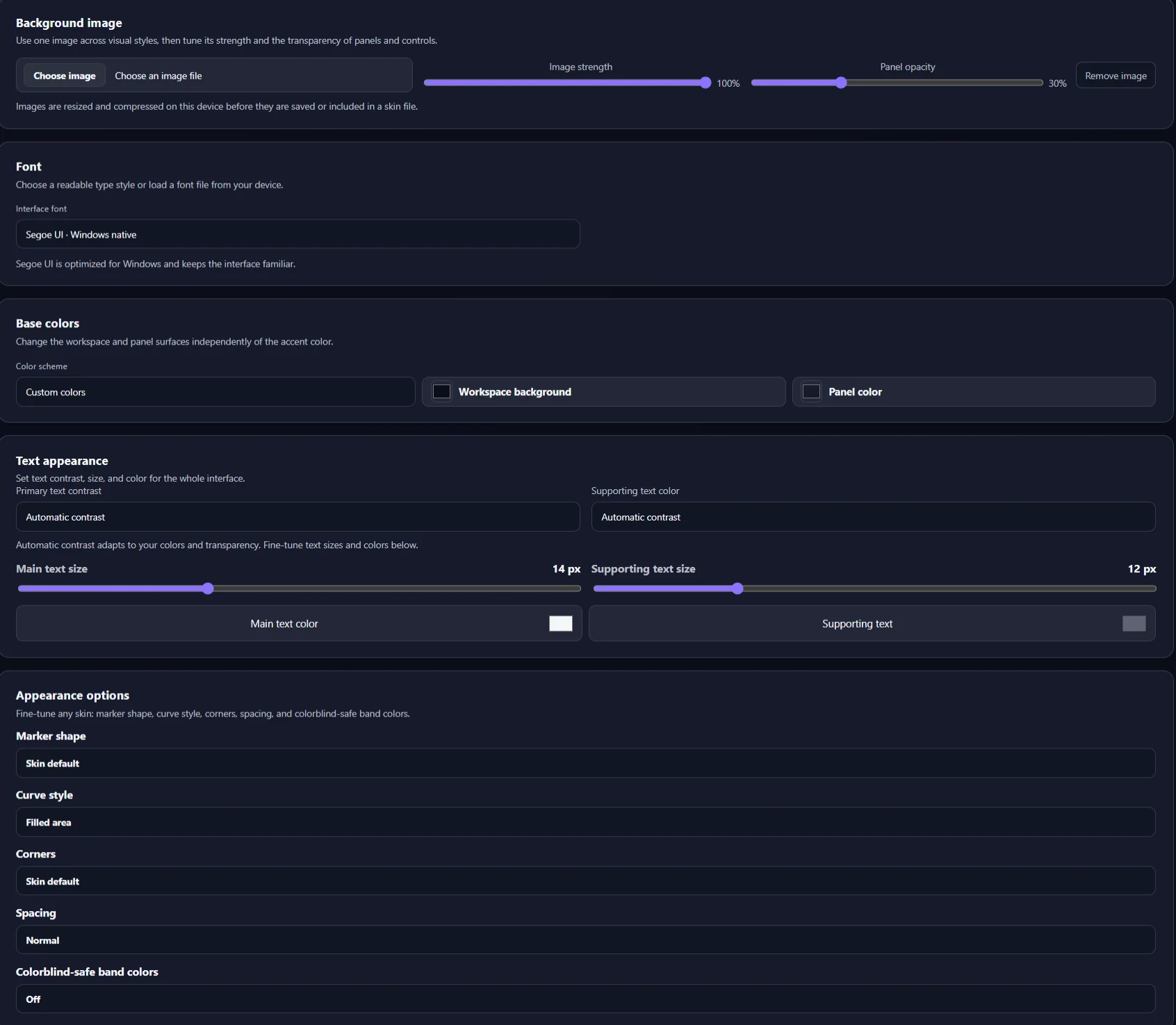
Your colors, background and font
Add your own background image, choose an interface font or upload one, and save the result as a custom skin. Export it as a file and anyone can load it.
Get EqualTune.
Free for Windows 10 and 11 (64-bit).
-
Download the installer
Get the latest version from GitHub. The file is called
EqualTune-Setup. -
Run it
Windows may warn that it protected your PC, because the installer is not code-signed yet. Choose More info, then Run anyway.
-
Let setup add what is missing
Setup can install VB-CABLE for you, the free virtual audio device EqualTune uses to catch your system sound.
-
Press the power button
EqualTune starts routing your sound, and your EQ applies to everything you play.
VB-CABLE is donationware made by VB-Audio Software. EqualTune does not include or replace it, and any donation to VB-Audio is optional and goes to them. EqualTune checks for new versions about once a day and only updates after you approve.